Vesting & Lockups
Solana Token Vesting
Solana Token Vesting: lock SPL tokens and release them on a schedule you set, with a public certificate anyone can check. No coding.
Locking tokens costs 0.3 SOL regardless of the amount or vesting complexity.
Once locked, tokens cannot be withdrawn until the unlock conditions are met.
Check here a whole blog post about how to use Token Vesting on Solana
How to use Solana Token Vesting
- Connect your Solana wallet
- Select the token you want to lock from your wallet
- Enter the quantity to lock
- Choose between a single unlock date or a vesting schedule
- Choose a single unlock date or configure multiple cliff releases
- Click Lock Token and confirm the transaction
- Share the generated claim page with the recipient
Benefits of Token Vesting
Lock tokens with a single unlock date or a full vesting schedule
Configure a single unlock or multiple cliff releases for team and investor allocations
Build investor and community trust with transparent on-chain commitments
Audited smart contract
Smithii never custodies your tokens
Recipients claim unlocked tokens through a generated claim page
Fully verifiable on-chain: anyone can confirm the lock is real
If you need more help contact our team
Got questions?
If you need more help contact our team
Token locking means depositing tokens into a smart contract so they cannot be accessed until a specific date. Token vesting adds a gradual release schedule. Tokens unlock progressively over time rather than all at once. Smithii supports both: you can lock tokens with a single unlock date, or set up vesting with a cliff period and gradual release.
Set the total token amount and choose either one unlock date or multiple dated cliff releases. After each configured release, eligible recipients can claim the unlocked allocation through the certificate page.
A cliff is the initial waiting period before any tokens unlock. For example, with a 6-month cliff, zero tokens are available for the first 6 months. After the cliff, tokens begin unlocking according to the vesting schedule. Cliffs are standard practice to ensure team members and investors stay committed to the project.
Investors need to manually claim their unlocked tokens through a claim page that Smithii generates. They connect their wallet and claim whatever amount has vested up to that point. This gives recipients control over when they take possession.
No. Once tokens are locked in the smart contract, they cannot be withdrawn until the unlock conditions are met. This is by design. It guarantees to your community that the tokens are truly locked. Make sure your parameters are correct before confirming.
Locking tokens on Smithii costs 0.3 SOL, regardless of the amount locked or the vesting schedule complexity.
Yes. The tokens are held by an audited smart contract. Not by Smithii. Only the designated wallet can claim tokens, and only after the unlock conditions are met. The lock is fully verifiable on-chain.
How Token Locking and Vesting Works on Solana
Token locking deposits tokens into a smart contract that prevents access until a specific date. Token vesting adds a gradual release schedule. Tokens unlock progressively over time rather than all at once. Both are standard practices for team allocations, investor rounds, and community trust.
Smithii supports a single unlock date or multiple cliff releases. Recipients claim each unlocked portion through the certificate page after its configured date.
Once tokens are locked, they cannot be withdrawn until conditions are met. This is irreversible by design. Costs 0.3 SOL.
Why Investors and Communities Require Token Vesting
Vesting aligns incentives: team members and investors must stay committed to receive their full allocation. A cliff period (e.g., 6 months with zero tokens) ensures minimum commitment before any tokens vest. This is industry standard for legitimate Solana projects.
Start by creating your token with the Token Creator, then use this tool to lock team and investor allocations. For distributing tokens to multiple wallets at once, use the Multisender.
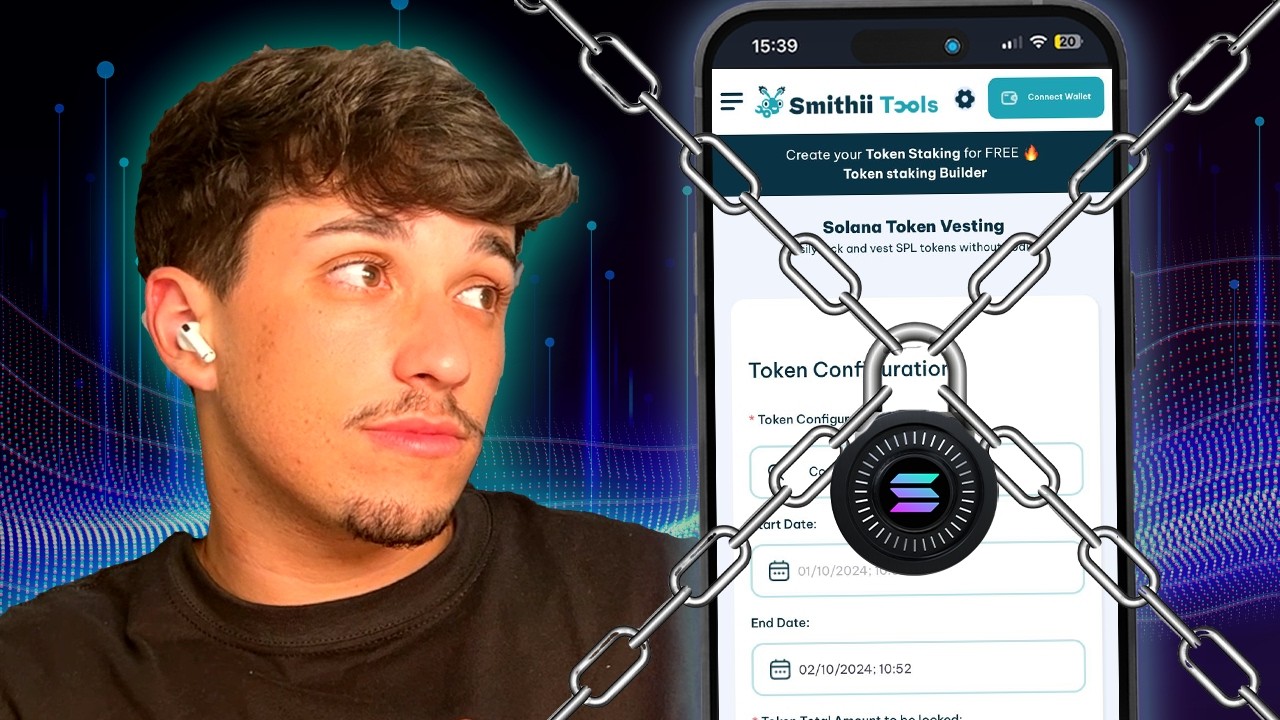
Watch how it works