Launch on Raydium
Create Solana Liquidity Pool
Solana Liquidity Pool Creator: open a Raydium pool for your SPL token and set its opening price. Your token is tradable.
The cost of the tool is 0.1 SOL. Please consider Raydium fees and advanced features usage fee.
The creation process will start and will take some seconds and a couple of transactions.
Check here a whole blog post about how to use Liquidity Pool Creator on Solana
How to use Create Liquidity Pool
- Connect your Solana wallet
- Select the Token pair (Base Token + Quote Token like SOL or USDC)
- Set the starting price for your token
- Set the minimum token quantity that users can buy
- Set the minimum price change in SOL or USDC
- Set how much liquidity you want to add to the pool
- Click on Create Liquidity Pool and accept the transaction
- Wait a few seconds for confirmation, your pool is live
Benefits of Liquidity Pool Creator
You set the opening price
the ratio you deposit is the price the market starts at
Tradable immediately
the pool is live on Raydium as soon as the transaction confirms
You keep the LP
your share of the pool, and a cut of every trade through it
Nothing custodial
both sides go wallet to pool, never through Smithii
No coding
no router calls, no scripts, no contract to deploy yourself
Priced before you sign
the fee in SOL plus the pool costs, quoted up front
How much liquidity to add to your token?
Use this reference to size your initial liquidity pool. Choose your launch chain to see recommended liquidity ranges.
Raydium
501 – 2,000 SOL

Moderate Liquidity
PumpSwap
> 2,500 SOL
Very High Liquidity
Reserve 40–70% of your total supply
for the liquidity pool; keep the rest for staking, rewards, and airdrops.
Deeper liquidity reduces slippage,
Makes the token harder for bots to manipulate, and signals trust to buyers.
Higher liquidity also locks more capital
And increases impermanent-loss exposure size it to your budget and goals.
Each chain needs proportionally different amounts
Select your launch chain to see the recommended liquidity range.
If you need more help contact our team
Got questions?
If you need more help contact our team
With Smithii, creating a liquidity pool on Solana takes just a few clicks: 1) Connect your wallet and select your token. 2) Choose the pool type: Raydium Standard AMM, CPMM or CLMM. 3) Set your initial token price and the amount of SOL/USDC to pair. 4) Confirm the transaction. Your pool is live in seconds and your token becomes instantly tradeable on Raydium, Jupiter, and all Solana aggregators. No coding or command-line experience required.
Raydium offers three pool types: Standard AMM (v2), the classic pool type that requires an OpenBook Market ID. Simple and widely compatible, best for most new token launches. CPMM (v3), Raydium's newer constant-product pool that does not require an OpenBook Market ID, making it cheaper and faster to launch. CLMM (Concentrated Liquidity), allows you to concentrate liquidity within a specific price range for better capital efficiency. Best for stablecoins or experienced DeFi users. For most memecoins and new tokens, CPMM is the recommended option.
It depends on the pool type. If you're creating a Standard AMM (v2) pool on Raydium, yes, you need an OpenBook Market ID first. If you're using CPMM (v3) or CLMM, you do not need a Market ID. This is one of the main advantages of the newer pool types, faster and cheaper to launch.
The cost depends on the pool type: CPMM (v3): ~0.2 SOL for pool creation fees. Standard AMM (v2): ~0.2 SOL for the pool plus 1-3 SOL for the OpenBook Market ID. On top of this, you need the SOL or USDC you want to add as liquidity (the token pair). For example, if you want your token to launch with $500 of liquidity, you'll need ~$500 worth of SOL plus the creation fees.
Burning LP tokens permanently locks the liquidity in the pool, proving to your community that you can never pull it out (a "rug pull"). This is one of the most important trust signals for token launches. After creating your pool on Smithii, you can burn your LP tokens directly from the tool. Once burned, the liquidity is locked forever and cannot be recovered. Make sure you are ready before confirming.
When creating your pool, you determine the initial price by setting the ratio of tokens to SOL (or USDC) you add as liquidity. For example, if you add 1,000,000 tokens and 10 SOL, your initial token price will be 0.00001 SOL per token. Smithii shows you the calculated price before you confirm. Adjust the amounts until you reach your desired starting price.
Yes: as long as you haven't burned your LP tokens. You can remove part or all of your liquidity at any time. If you burned your LP tokens, the liquidity is permanently locked and cannot be removed. This is irreversible, so only burn if you want to guarantee locked liquidity to your community.
Both are popular Solana DEXes, but they work differently: Raydium is the most established Solana DEX, supports Standard AMM, CPMM, and CLMM pools, and has the highest liquidity and best integration with Jupiter aggregator. Meteora is a growing DEX with dynamic pools and DLMM (Dynamic Liquidity Market Making), popular for new launches with its memecoin-friendly features. Smithii currently supports Raydium pools (all three types). For most token launches, Raydium offers the best visibility and trading volume.
Yes. Smithii interacts directly with Raydium's smart contracts to create your pool. We never have access to your tokens or liquidity. Everything is on-chain and verifiable. Our tool is audited and used by thousands of projects every month. After creating your pool, you maintain full control of your LP tokens and can manage your position at any time.
Create a Raydium Liquidity Pool for Your Solana Token
Smithii's Liquidity Pool Creator launches your token on Raydium in one transaction. Pick the pool type. Standard AMM (v2), CPMM (v3), or CLMM, set the initial price, deposit your token alongside SOL or USDC, and your pair is instantly tradeable across Raydium, Jupiter, and every Solana aggregator.
CPMM is the recommended choice for most launches: it does not require an OpenBook Market ID, is cheaper to deploy, and routes through Jupiter from day one. Standard AMM still has its place when you need legacy compatibility. Smithii lets you choose either path without leaving the tool.
The tool fee is 0.1 SOL on top of Raydium pool creation costs (~0.2 SOL for CPMM, ~0.2 SOL plus 1-3 SOL for AMM v2 with Market ID). Non-custodial. Your tokens move directly from your wallet into the pool.

After the Pool is Live: Lock Liquidity and Generate Volume
Right after pool creation, the most important trust signal is locking liquidity. Burn your LP tokens directly from Smithii to prove your liquidity can never be pulled. If you prefer to manage your position, use Add Liquidity to deepen the pool or Remove Liquidity to withdraw later.
Pair your launch with the Token Creator if you have not deployed yet, and use the Volume Bot to generate the first wave of trading activity on DexScreener and Birdeye.
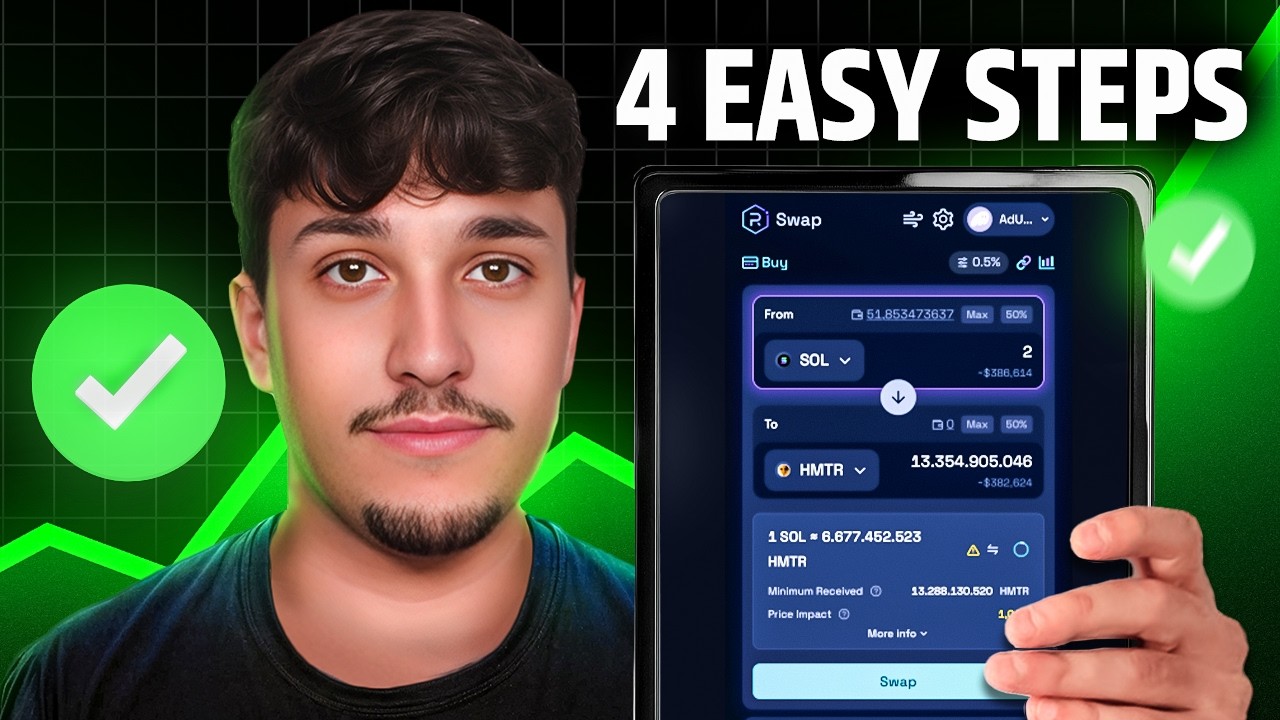
Watch how it works