Finalize Token Identity
Solana Revoke Update Authority
Permanently revoke the Update Authority of your SPL token to lock its metadata forever.
Cost: 0.1 SOL. Action is permanent and irreversible.
Update name, symbol, description, and logo BEFORE revoking — none of it can be changed afterwards.
Check here a whole blog post about how to create a Solana Token
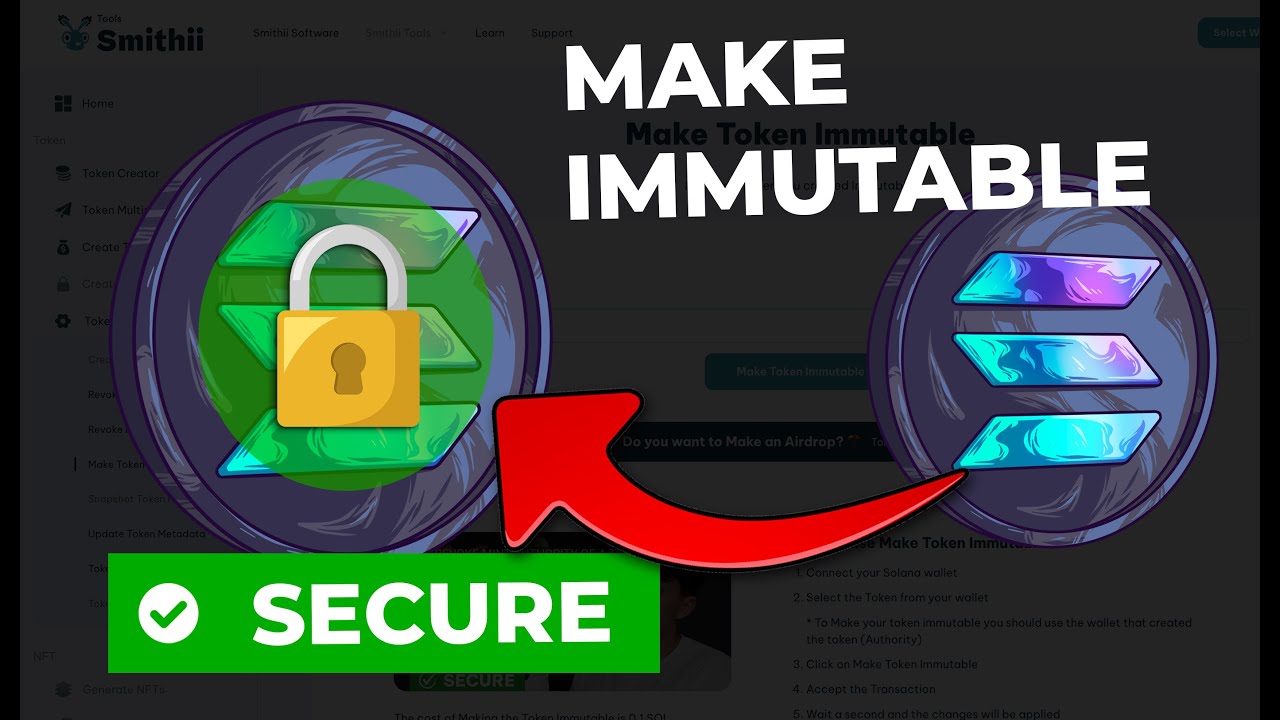
How to use Revoke Update Authority
- Connect your Solana wallet (must be the current Update Authority).
- Select the token from your wallet.
- Click on Revoke Update Authority.
- Accept the transaction in your wallet.
- Wait a second and the changes will be applied on-chain.
Got questions?
If you need more help contact our team
Got questions?
If you need more help contact our team
What Does Revoking Update Authority Mean on Solana?
Revoking Update Authority permanently locks a Solana token's metadata — the name, symbol, description, and logo can never be changed again by anyone. This proves to traders and platforms that the token's identity is fixed. DexScreener and Birdeye display this status as a trust indicator.
The process is irreversible. Once revoked, you cannot update the name, fix a typo, or change the logo. This is by design — it guarantees the token identity cannot be altered.
Costs 0.1 SOL on Smithii. Only the wallet holding Update Authority can execute this action.
When to Revoke Your Token Update Authority
The recommended sequence: create your token, update metadata until branding is finalized, revoke Mint Authority and Freeze Authority, then revoke Update Authority as the last step. This locks everything permanently.
Watch how it works