NFT Holder Snapshot
Sui NFT Snapshot
Export a full list of current NFT holders for any collection — perfect for airdrops and allowlists.
The snapshot costs 0.1 SOL regardless of collection size.
Results include wallet addresses, NFT counts per wallet, and individual mint addresses.
Check here a whole blog post about how to create a Solana Token
How to use Solana NFT Snapshot
- Connect your Solana wallet
- Paste the NFT collection address
- Click on Take Snapshot
- Approve the transaction (0.1 SOL)
- Wait for the snapshot to complete
- Download the holder list as CSV
Got questions?
If you need more help contact our team
Got questions?
If you need more help contact our team
How to Get a List of NFT Holders on Solana
The NFT Snapshot tool returns every wallet holding an NFT from a specific collection, along with the NFTs they hold. Paste your collection address and get the full holder list in seconds. Export to CSV for airdrops, allowlists, or community analytics.
Results show wallet addresses, number of NFTs held per wallet, and individual mint addresses. Use it to identify your most active collectors, create holder-gated experiences, or plan targeted reward distributions.
Costs 0.1 SOL per snapshot. Works with any Metaplex-standard NFT collection on Solana — including compressed NFTs (cNFTs).
From Snapshot to Airdrop in Minutes
Export your NFT holder list and import it into the Multisender to airdrop tokens to your collection holders. This is the fastest way to reward your NFT community with a new token launch or distribute governance tokens.
For token holder snapshots (not NFTs), use the Token Snapshot. To get just the mint addresses of an NFT collection without holder data, use the Hashlist Generator.
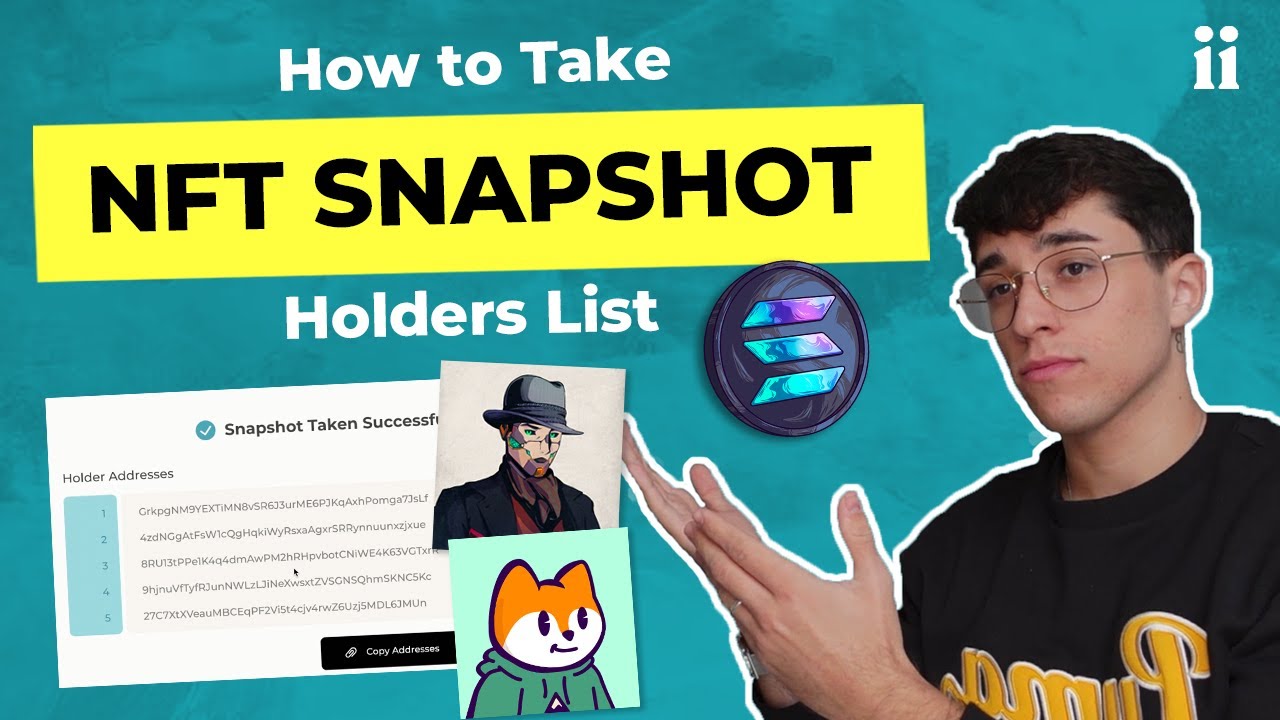
Watch how it works